
Play Maze Online
Walk from start to exit
The home page is a generated maze: walls are random, and you move from the top-left entrance to the bottom-right flag. Pick 9×9 through 35×35 difficulties, use keys or swipe, reveal path hints, try the daily seed, and keep best times locally—no account or install.
Scan the corridors first
Glance at the main paths before charging into a dead end. Desktop players use arrow keys; on phone, swipe on the maze.
Tap Hint to highlight a shortest route when stuck. New shuffles the walls; Daily loads today’s fixed layout for the chosen size.
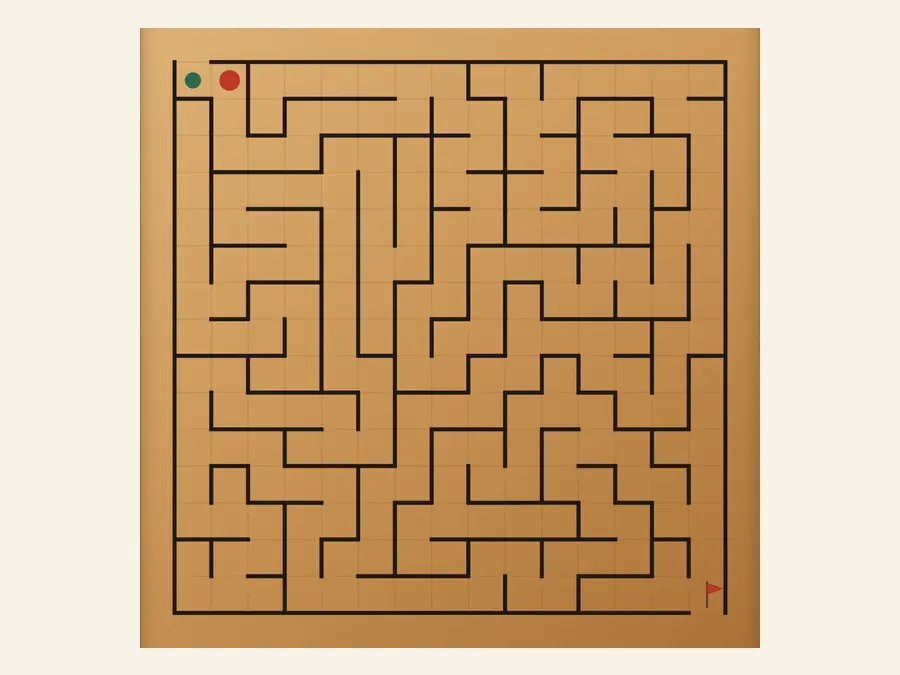
Play on the home page
Land on a fresh maze. Time and step count sit in the header; the side panel offers New, Hint, Daily, and four size presets from Easy to Impossible.
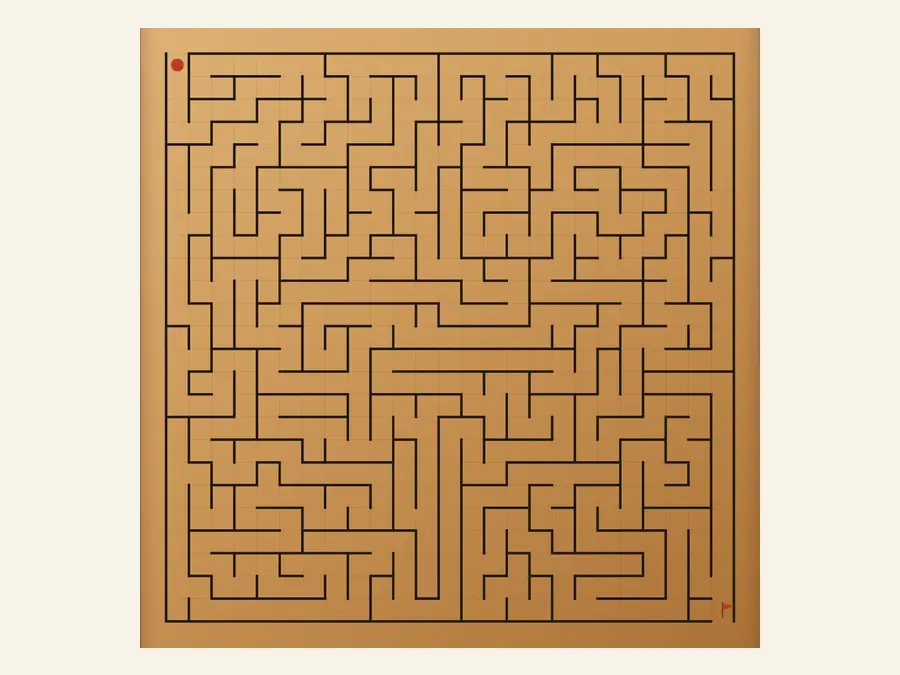
Four size presets
Easy 9×9 warms you up, Medium 15×15 is the everyday default, Hard 25×25 and Impossible 35×35 stretch the walk. Changing size regenerates walls; personal bests are tracked per preset.
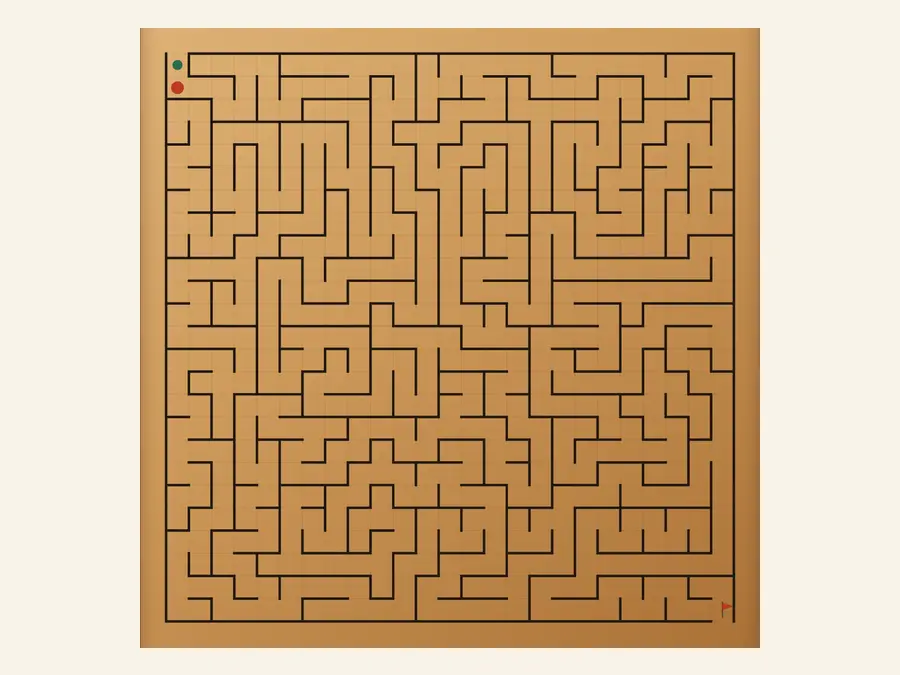
History stays on your device
Best times per difficulty and recent run summaries live in this browser. Clearing site data resets them; the privacy page explains server-side logging.
9×9–35×35maze sizes
Hintshortest path
Dailyshared layout
Localbest times
Common questions
How do I solve the maze?
Start at the top-left entrance and move through open cells to the bottom-right exit. Use arrow keys on desktop or swipe on the maze on mobile. Reaching the flag ends the run and updates side-panel stats.
What does Hint do?
Hint highlights a shortest path from your current cell to the exit. It does not change the maze or move for you—it only shows a route to study or escape a dead end.
How is Daily different from New?
New randomizes walls at the current difficulty. Daily uses a fixed seed for the calendar day so everyone sees the same layout that day at the size you picked—handy for comparing times.
Which difficulty should I pick?
Choose Easy (9×9), Medium (15×15), Hard (25×25), or Impossible (35×35) in the side panel. Larger grids mean longer corridors. Many players start at Medium, then try smaller or larger sizes.
Where are personal bests stored?
Best times and recent summaries per difficulty are saved in this browser’s local storage. They do not sync when you switch devices or clear site data.
Do I need an account or app install?
No account is required—open the URL and play. Adding the site to your home screen is optional; everything works in a normal tab.
